

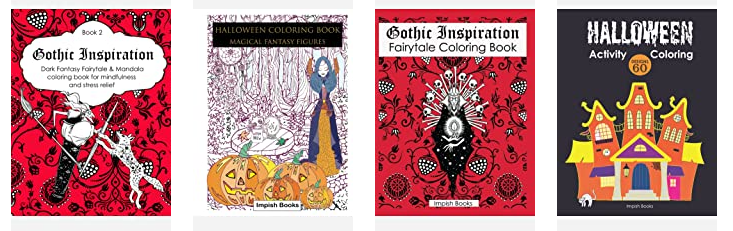
Colleen and I tend to stir up mischief, in this case it’s making coloring and activity books for Halloween. Not satisfied with purely kids Halloween, we followed up with lined journals with a spooky theme. We started to wonder about turning gothic fantasy figures into full pages for adult coloring. Why not? Coloring is fun. That’s led to rather more children’s activity and coloring books, and then adult journals.
In for a penny, in for a pound, as our Nan used to say.
We have a batch of Australian animal images because Colleen instigated us learning the art of digital coloring from photographs. We found our images in the wild and paid for commercial use (well-credited to the lovely photographers at various image providers). Making beautiful or quirky things is a great way to distract from stress.
Take a look at our growing page of adventures in print, and we hope some will wander home with you.
Have fun, and share what you color.
Here is where to find us on amazon
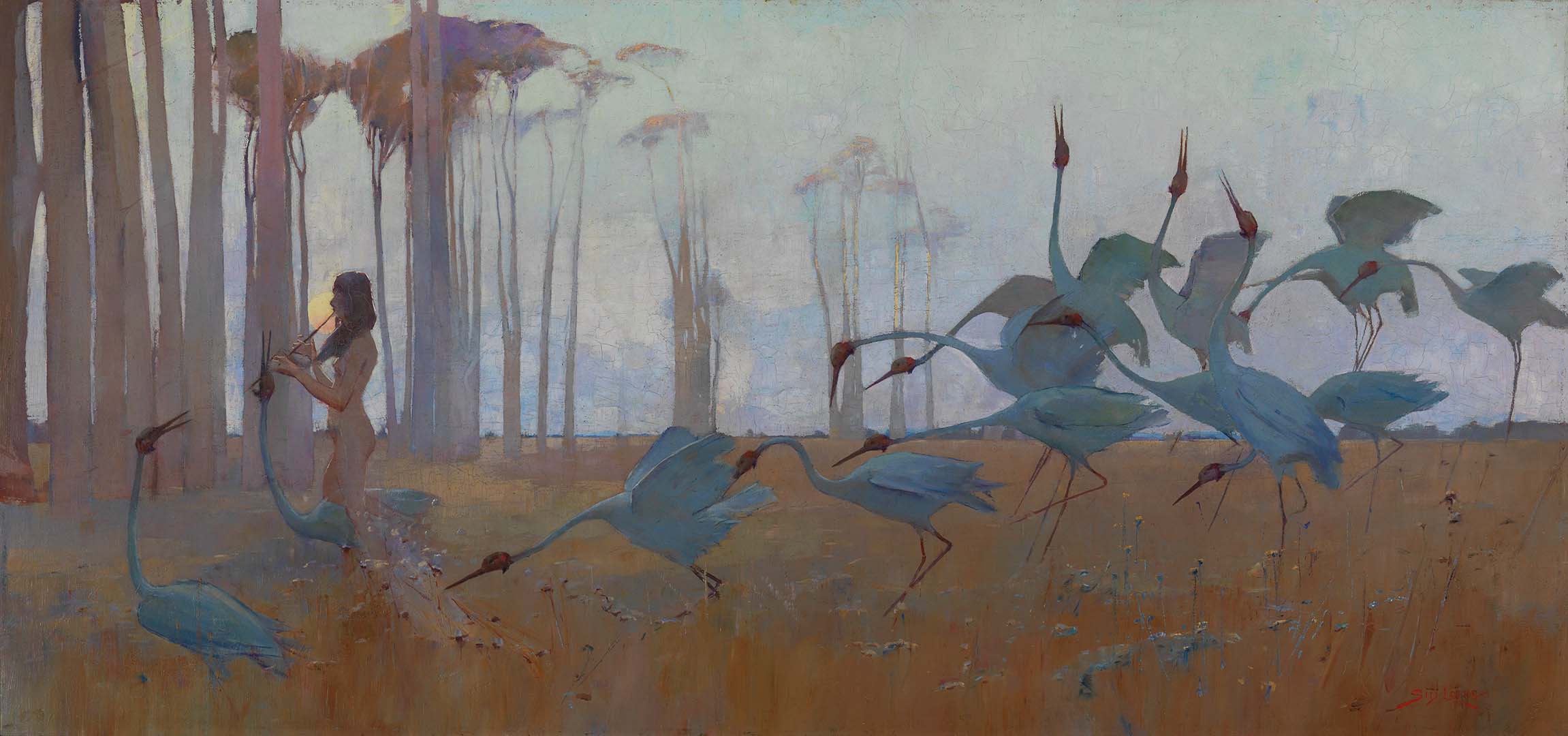
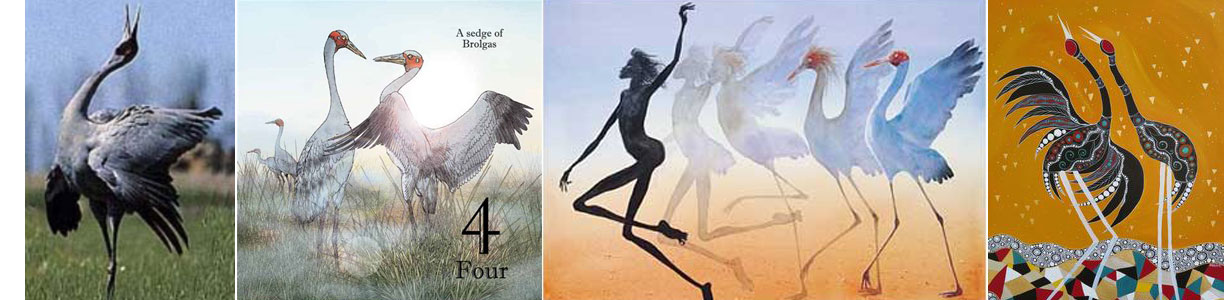
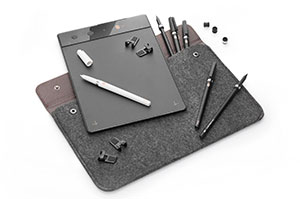
 It was a quiet day at home on Saturday. Picked up the iskn tablet for the first time and installed the software. It was a bit mysterious at first, with some back and forth to the manual. Once it was connected and charged, I was good to go. The tutorials were surprisingly helpful. The only thing I had trouble with, at first, was the orientation of the tablet and screen. I wanted portrait, and it kept coming up landscape. If all else fails, read the directions. Got that sorted, and started drawing. It was an intuitive and expressive tool to use. I’ll be giving it a good try out over the next week, to see where it fits into my drawing patterns. My first impression: how easy and fluid it was to use. It felt just as natural as drawing with a pen.
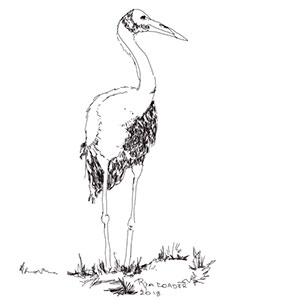 My first drawing, using the iskn, was about getting used to the pen device. I played around with pressure and such, angle of the pen, and pretty much stuck to the default pen setting this time around. There’s a ring that fits around your own pen, and a couple of magnetic rings around a stylus and pen that comes with the iskn. The drawing tablet has all these magnetic spots that line up with what you are drawing. It’s really quite smooth. Using any paper of your choice, you are freed up to draw and have the illustration appear on the screen as you draw it. It felt quite a lot more expressive than a Wacom tablet, which I already have. It also has a cord-free mode and some online storage, so you can use it on the go. Haven’t tried that yet, but will do so in short order.
 Ria Loader